




































All our plans are annual. No monthly option. No hidden fees.




Add ons
Make your plan even better with add ons.
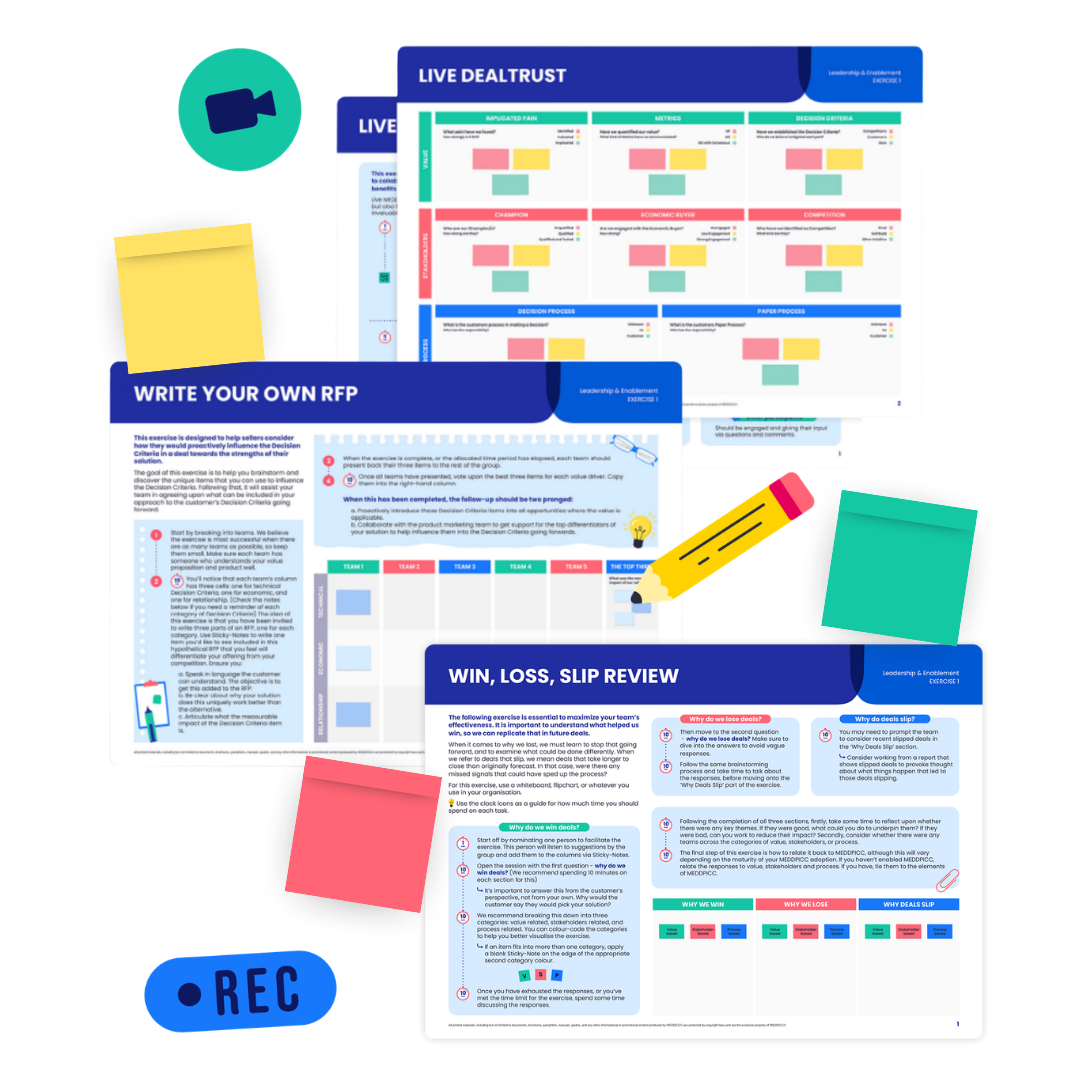
LIVE SESSIONS
Interactive expert training designed to help your team implement MEDDPICC. Apply proven frameworks to active opportunities, refine your GTM strategy, and accelerate team results.
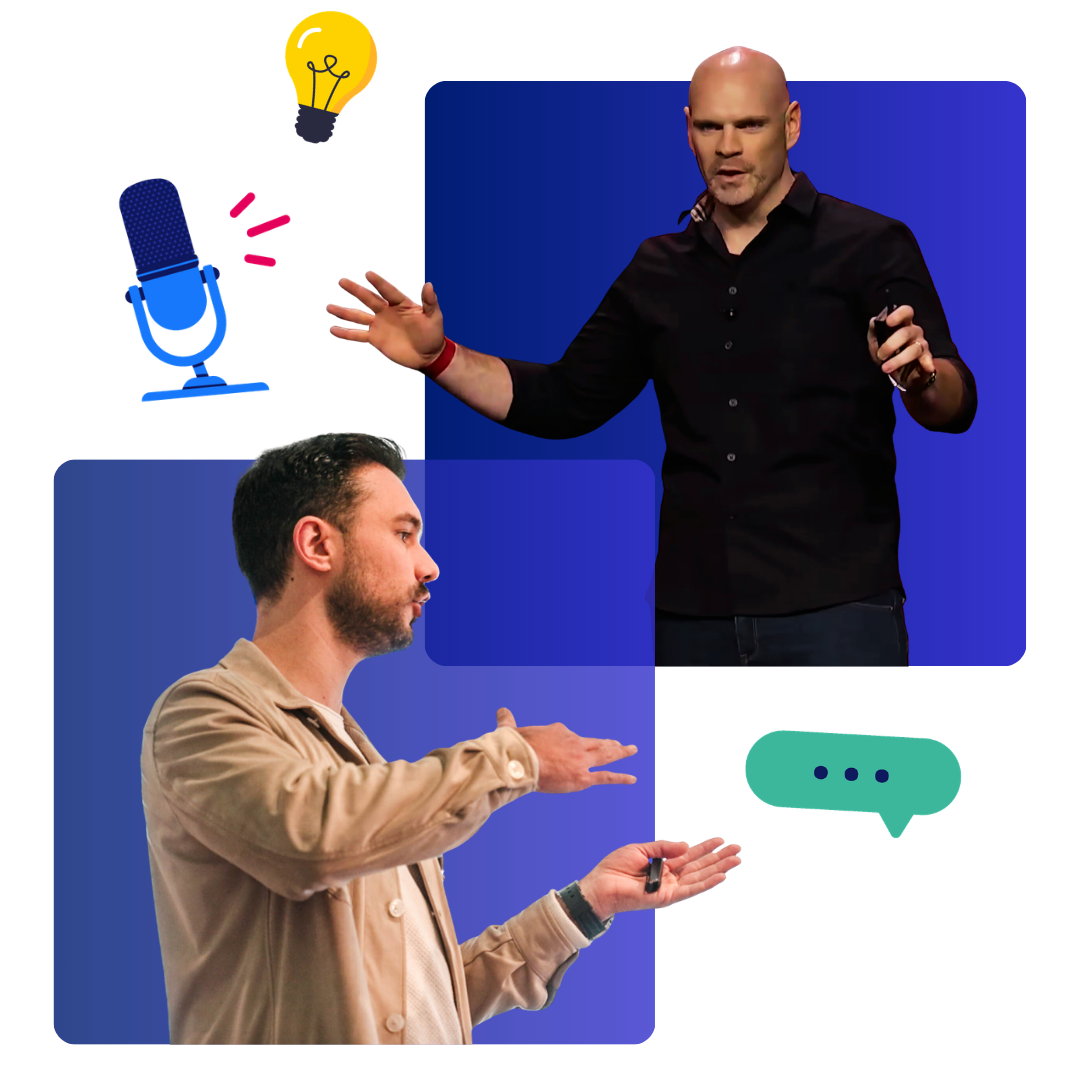
KEYNOTES
High-energy, tailored 60-minute keynotes designed to mobilize your team and drive immediate MEDDPICC results. The best way to accelerate a MEDDPICC initiative.
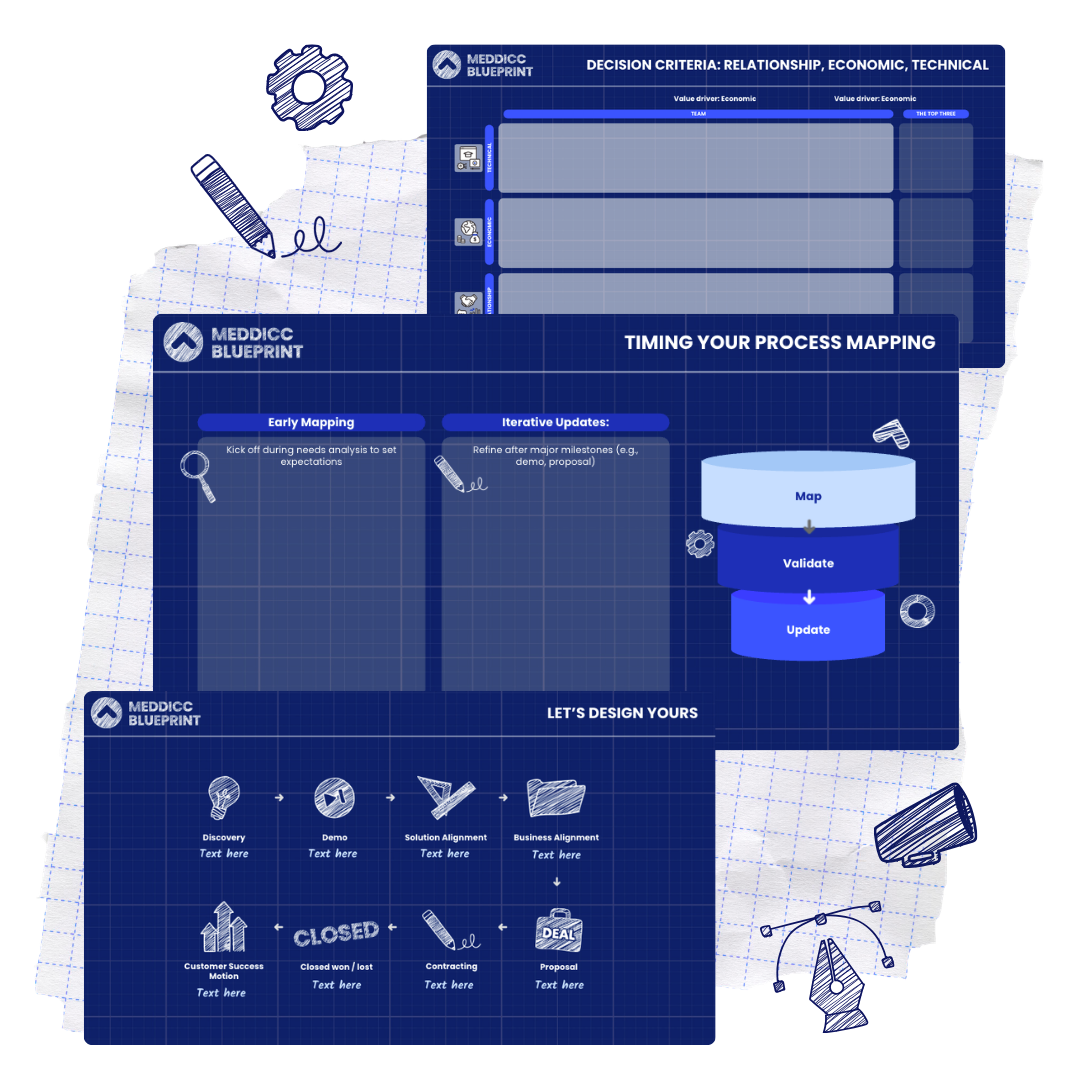
MEDDICC BLUEPRINT
Tailored to your world. Led by MEDDICC facilitators, operationalize MEDDPICC for your business and your sales stages - fast, customized, effective.
MEDDPICC is the standard for high-performance GTM teams
But choosing the wrong implementation partner is a recipe for stalled adoption and wasted budget.
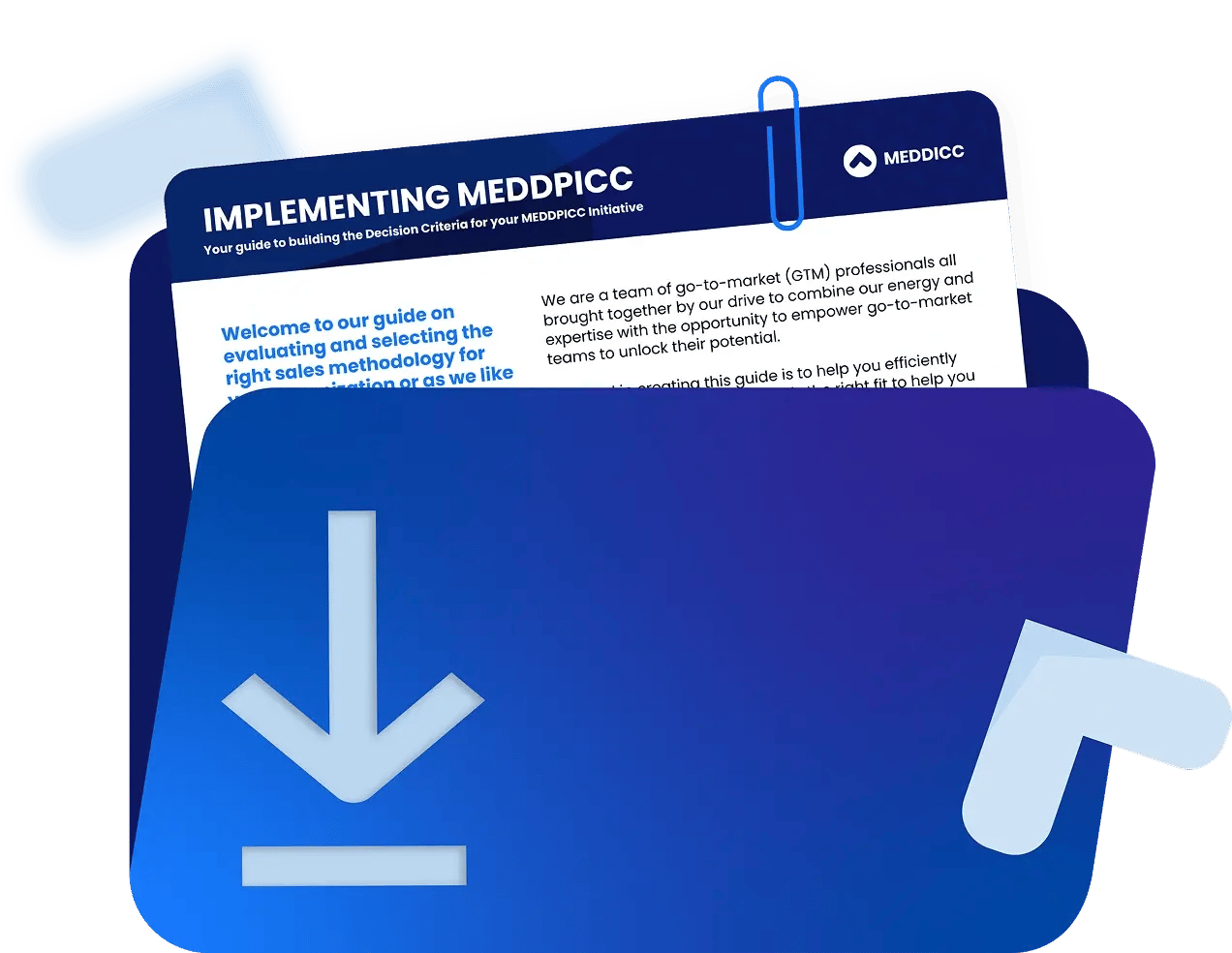
Our Buyer's Guide cuts the noise.
-
One common GTM language for consistent, high-performance execution
-
Built from real-world MEDDICC implementation experience
-
Scale learning and adoption across your team over time
-
Move from learning to execution with measurable revenue impact
It details exactly how we differentiate our performance platform from the rest and why we are the only choice for organizations serious about scaling revenue.
Download it to see what you should consider before choosing a partner.
FAQs
Everything you need to know about MEDDICC, pricing and getting started.

For MEDDICC Membership, our pricing displayed is per user, per year. The prices can differ depending on the number of licenses you are looking to purchase as we work on a license tier pricing model.

Our membership includes on-demand enablement, so MEDDPICC can be learned anytime, at your own pace.
For teams, we also offer blended learning - combining the platform with in-person kick-offs, SKO keynotes, workshops and deal reviews, available as an additional service.

By purchasing the MEDDPICC Masterclass or MEDDICC Membership, you get 12 months of access.

Yes, we offer Single Sign-On (SSO) for teams purchasing MEDDICC Membership.

Team memberships include the ability to sync your CRM with Deals, enabling two-way data flow and richer reporting.
Individual members can still use Opportunity Manager and all platform features, but CRM integrations are currently only available on team plans.

Access to the MEDDICC platform comes with MEDDICC Membership. Members learn MEDDPICC, apply it to live deals, and use the platform to evaluate opportunities, find qualification gaps and keep MEDDPICC consistent across their pipeline.